CDG Airport WiFi: Free Or Paid In 2026?
By CDG Airport Guide - Admin

CDG Airport WiFi: The Complete Guide (2026)
Staying connected at Charles de Gaulle Airport starts with understanding how CDG airport wifi works in 2026. Whether you are navigating a tight transfer, catching up on messages, or settling in for a long layover, reliable internet access makes the experience far smoother. Connectivity options at Paris CDG have evolved, and this guide gives you a practical, actionable overview of what to expect.
Introduction
Travelers passing through Charles de Gaulle Airport in 2026 have several ways to get online. The airport offers free WiFi, but the experience can vary depending on your terminal, where you are standing, and the device you are using. This guide covers the connection process, the limitations of the free service, and the alternatives available when you need a more dependable connection.
Key Takeaways
A traveler accessing CDG airport wifi on multiple devices in a modern terminal, highlighting the free internet availability.
- CDG offers free WiFi access across its terminals, but the session is time-limited.
- Travelers with longer layovers may need to consider premium options or lounge access for uninterrupted connectivity.
- A step-by-step connection process exists that can save time and frustration if followed correctly.
- Public airport WiFi requires basic security precautions, especially when accessing sensitive accounts.
- Alternatives like mobile data and eSIMs can provide a more reliable and faster connection during your entire journey.
The Complete Answer: How to Get CDG Airport WiFi
The short answer is that CDG airport wifi is free and available in all terminals. You connect by selecting the airport's official network, opening your browser, and accepting the terms through a captive portal. The main catch is that the free session is time-limited, so you may need to reconnect or explore other options if you are staying longer.
Quick Answer: CDG airport wifi is free and available across the terminals, but the connection is time-limited and requires accepting terms through a captive portal.
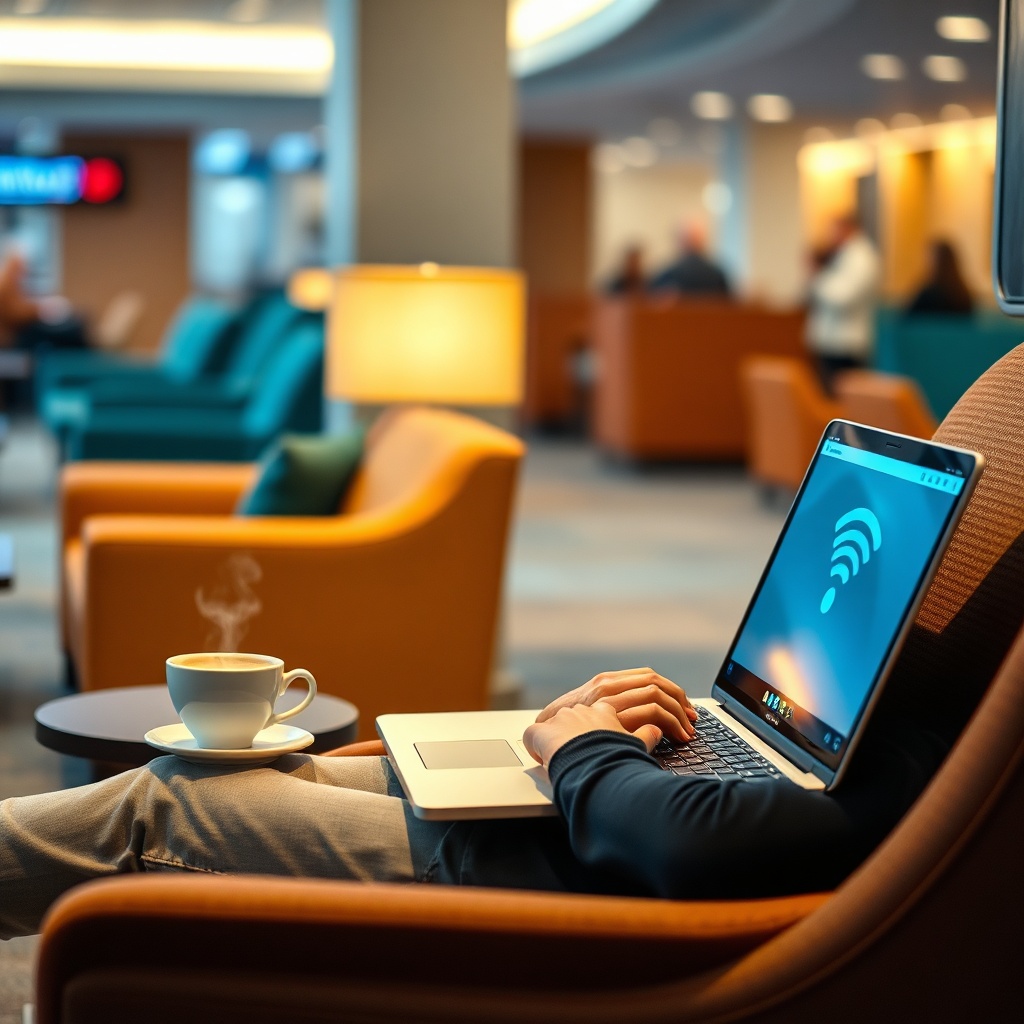
A traveler using CDG airport wifi in a relaxed lounge setting, illustrating a more dependable connection option for long layovers.
Free WiFi Availability and Connection Steps
Free WiFi is available throughout the airport, covering departure halls, boarding gates, and arrival areas. The connection process follows a standard captive portal flow, though the exact network name and login requirements may vary slightly by terminal.
Here is how to connect:
- Turn on your device's WiFi and select the airport's official network. The network name is displayed on signs and screens throughout the terminals.
- Open your web browser to trigger the captive portal. This page should load automatically.
- Accept the terms of use and any required consent screens.
- Wait for the connection confirmation page to load.
- Begin browsing. Note that the free session is time-limited, so keep an eye on the clock.
The process may differ slightly between terminals, and a login or email registration might be required in some cases. If the portal does not appear automatically, try visiting a non-secure website to force it to load.
Definition: A captive portal is a web page that appears when you connect to a public WiFi network, requiring you to accept terms or log in before accessing the internet.
Network Coverage and Zones
WiFi coverage at CDG extends to the main public areas, including check-in halls, departure lounges, boarding gates, and arrival zones. Connection quality, however, is not uniform. Open public spaces with many users can feel slower, while enclosed areas or quieter corners may offer better signal strength.
Signal strength can also be affected by the density of travelers and the physical layout of the terminal. If you are in a crowded gate area, you may experience slower speeds compared to a less busy part of the terminal or a lounge.
Comparing WiFi Options at CDG: Free vs. Premium vs. Lounge
Choosing the right connectivity option depends on how long you are at the airport and what you need to do online. Free WiFi works well for quick tasks, but it has limits.
Speed and Data Limits Comparison Table
The table below compares the main connectivity options at CDG. Specific values for cost, speed, and time limits are subject to change and should be confirmed on-site.
| Option | Cost | Speed | Time Limit | Best For |
|---|---|---|---|---|
| Free WiFi | Free | Varies by location and crowd | Time-limited; confirm on-site | Quick checks, messaging, navigation |
| Premium/Paid WiFi | Paid if offered; check availability on-site | Potentially faster | May offer longer sessions | Longer layovers, larger downloads |
| Lounge WiFi | Included with lounge access | Generally more stable and faster | Typically for the duration of your stay | Business travelers, video calls, long waits |
When Free WiFi Is Not Enough
Free WiFi at CDG is perfectly adequate for checking flight status, sending messages, or browsing the web. It falls short, however, when you need to upload large files, join a video conference, or stream video. These activities require more bandwidth and a stable connection, which the free network may not consistently provide.
Premium options or lounge access can offer better performance and longer session times. For business travelers, the trade-off between cost and convenience is often worth it when a reliable connection is essential. A lounge, for example, typically provides a more stable connection as part of its amenities, which can make a long layover far more productive.
Step-by-Step Guide to Connecting to CDG WiFi
This detailed walkthrough is designed for first-time users and anyone who runs into common connection problems.
The Connection Process from Landing to Browsing
Before you arrive, make sure your device's WiFi is enabled and that airplane mode is off. This small step saves time when you are ready to connect.
Once you land and enter the terminal:
- Turn on your device's WiFi and scan for available networks.
- Select the airport's official WiFi network from the list.
- Open your web browser. The captive portal should load automatically.
- Accept the terms of use and any consent prompts.
- Wait for the confirmation page to appear, which signals that you are connected.
- Start browsing. Remember that the free session is time-limited.
If the portal does not load, try navigating to a simple, non-secure website to trigger it.
Troubleshooting Common Connection Issues
Connection problems at airports are common, but most have simple fixes.
- The portal is not loading: Toggle your WiFi off and on, then try again. You can also clear your browser cache or switch to a different browser.
- The network is not appearing: Make sure WiFi is enabled and that you are not in airplane mode. Move a short distance to a different area and scan again.
- Intermittent disconnections: This can happen in crowded areas. Try moving to a quieter spot or connecting to a different access point.
- You are connected but cannot browse: Forget the network, then reconnect and go through the portal again. A device restart can also resolve stubborn issues.
How to Stay Connected Throughout Your Journey at CDG
Beyond the basic connection, you need to consider how connectivity holds up as you move through the airport.
WiFi in Terminals, Lounges, and Transfer Zones
CDG has three main terminals — Terminal 1, Terminal 2, and Terminal 3 — and connectivity can vary between them. Terminal 2E, for example, is a major hub for international flights and generally has good coverage, but the experience still depends on your specific location within the building.
If you are transferring without leaving the secure zone, you can usually stay connected as long as you remain within a WiFi-covered area. The key is to keep your session active; if you disconnect and reconnect, the time limit may reset or you may need to go through the portal again.
Lounges offer a more stable and faster connection as part of their amenities. If you have lounge access through your airline, credit card, or a day pass, this is often the best option for a long layover.
Alternatives to WiFi: Mobile Data and eSIM Options
For travelers who need a reliable connection throughout their journey, mobile data is a solid alternative. If you have an international data plan, you can bypass airport WiFi entirely and enjoy a consistent connection from landing to takeoff.
Travel eSIMs have become a popular option for seamless connectivity without relying on airport WiFi. You can install an eSIM before you travel and activate a data plan for France, avoiding roaming charges and the hassle of finding a physical SIM card. This approach is especially useful for travelers who need to stay connected during transfers, on the RER train, or anywhere else outside the airport.
Practical Tips for Using CDG WiFi Safely and Efficiently
Public WiFi networks are convenient, but they require a few precautions to keep your data safe.
Security Best Practices on Public Airport Networks
Using a VPN when connecting to public WiFi is one of the most effective ways to protect your data. A VPN encrypts your traffic, making it much harder for anyone on the same network to intercept it.
Avoid accessing sensitive accounts, such as banking or email, without encryption. If you must log in to these services, make sure you are using HTTPS and ideally a VPN. Enabling two-factor authentication adds another layer of protection, even if your password is compromised.
Battery and Device Management for Long Layovers
Using WiFi drains your battery, especially during a long layover. Lower your screen brightness and disable background apps that are not in use to conserve power.
Charging stations and power outlets are available in the terminals, so keep an eye out for them near seating areas. As a backup, download offline content — such as maps, movies, or work documents — before you arrive. This way, you are not dependent on the airport network for entertainment or essential information.
Frequently Asked Questions About CDG WiFi
Is CDG airport wifi free?
Yes, CDG airport wifi is free and available across the terminals. You connect by accepting the terms through a captive portal.
How long can I use the free WiFi at CDG?
The free session is time-limited, but the exact limit may vary by terminal and is subject to change. Confirm the current limit on-site or when you connect.
Is the WiFi fast enough for video calls?
Performance varies depending on your location and how many people are using the network. Free WiFi may not reliably support video conferencing, especially during peak travel times. For important calls, consider a lounge or your mobile data.
Can I use WiFi in the transfer area without going through customs?
Yes, WiFi is generally accessible in the secure transfer zones at CDG, so you can stay connected without exiting the airport.
What should I do if the WiFi won't connect?
Toggle your WiFi off and on, clear your browser cache, or try a different browser. If that does not work, forget the network, reconnect, and go through the portal again. A device restart is a final option.
Conclusion
CDG airport wifi is free, but it comes with limitations that are worth understanding before you travel. The time-limited session and variable speeds mean that a quick connection is fine for short tasks, while longer layovers and business needs call for alternatives like lounge access or mobile data. Always take basic security precautions when using public networks, and use the step-by-step guide in this article to connect smoothly. With a little preparation, staying online at Charles de Gaulle Airport is straightforward.